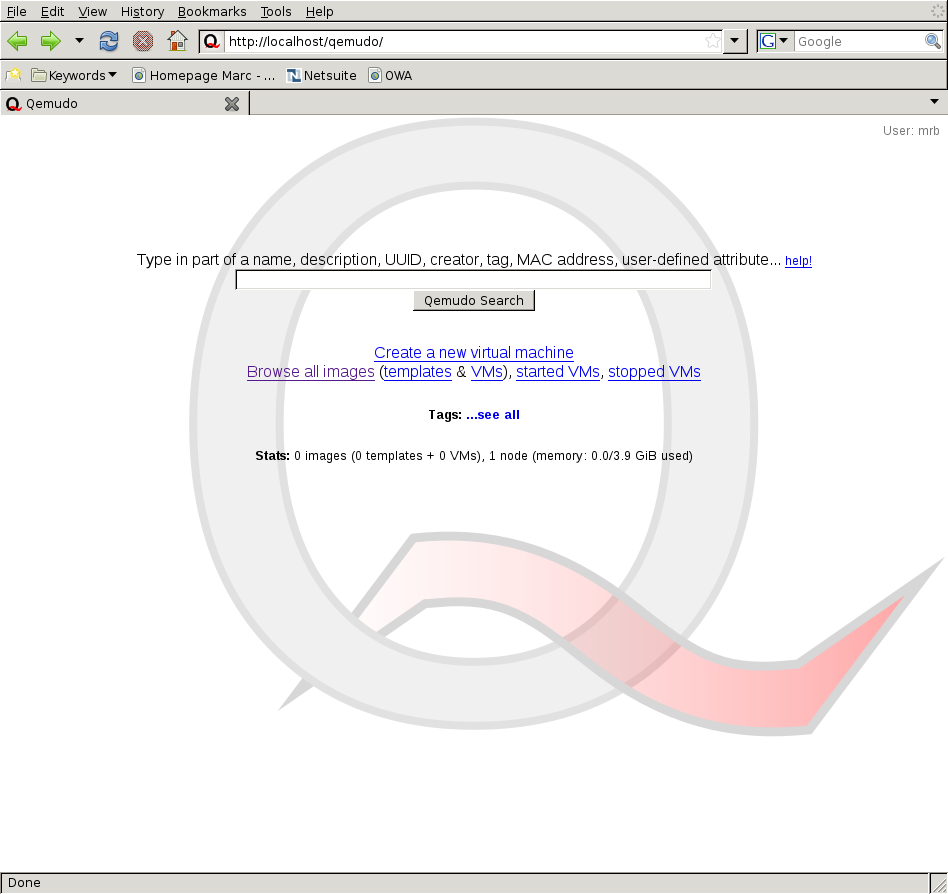
Qemudo is a Web interface to QEMU offering a way for users to access and control multiple virtual machines (guest systems) running on one or more remote physical machines (host systems).
From the Web interface, VMs can be created, started up, shut down, reset, and accessed (monitor, keyboard and mouse). Access to the VMs is done through a VNC applet making use of the VNC protocol natively supported by QEMU 0.8.1 and later.
Qemudo has been primarily designed to function in a cluster environment, where its Web interface gives a unified view on all the VMs running on a cluster of physical machines. Of course it can also be used just as easily to manage only a couple of VMs running locally.
The first screenshot shows the main page of the Qemudo Web interface: the VNC java applet in the middle of the page giving here access to a SuSE 10 VM, with a list of available VMs on the left-hand side. The second screenshot highlights the part of the interface, built on Ajax technologies, that provides the VM creation feature.
Latest release: Qemudo 0.1.1 (2007-02-23), see NEWS.
The Web UI refreshes the VM list in an inefficient manner. The whole list is entirely refreshed every 2 seconds, this becomes noticeable with more than 20-30 VMs. The JavaScript code responsible for this is soon going to be rewritten.
Other than that, there is no other known issues in Qemudo itself. However it should be pointed out that Qemudo is known to trigger a Perl bug that manifests itself only on certain platforms such as OpenBSD. This Perl bug causes a core component of Qemudo (qsh) to crash with the error message 'send: Cannot determine peer address'. See Perl bug 41521 for more information. Perl 5.8.9 (yet to be released) will apparently include a patch for this bug.
Go to the SourceForge download page for project Qemudo.
A snapshot of the Mercurial repository is also available here: qemudo-current.hg.tar.bz2 (updated on 2007-05-15 to rev 60a3675ba02a). Due to this unusual way to share a Mercurial repository you must use Mercurial version 0.9.2 or later to be able to use the snapshot (check with hg version). To obtain a repository for the first time, simply download the snapshot:
$ wget http://qemudo.sourceforge.net/qemudo-current.hg.tar.bz2 $ tar xjf qemudo-current.hg.tar.bz2 && mv qemudo-current.hg qemudo-mine $ cd qemudo-mine $ hg updateTo pull new changes into your existing local repository (qemudo-mine), redownload the snapshot and pull from it:
$ wget http://qemudo.sourceforge.net/qemudo-current.hg.tar.bz2 $ tar xjf qemudo-current.hg.tar.bz2 $ cd /path/to/qemudo-mine $ hg pull /path/to/extracted/qemudo-current.hgI know, this is not very practical, but I haven't found a better way to publish the Mercurial repo on SourceForge. Using a static-http:// source is not possible due to their webserver being badly configured and returning 403 for GET requests on one of my files legitimately named *.cgi.i (revlogng of a Qemudo CGI source file).
The Qemudo repository contains one head, which happens to be a branch named "stable". You may notice that there is an old branch (beta), just ignore it, it has been merged with the stable branch a long time ago anyway. Official releases of Qemudo are tagged "qemudo-x.y.z".
Qemudo is released under the GPLv2 and has been developed by Marc Bevand of Rapid7 <marc_bevand (at) rapid7.com>